

Tea Spins Casino Login and Registration Guide for UK Players
Players who are of legal age and accept the terms of use get access to 11,000+ games and the casino’s bonuses once they complete the Tea Spins casino login process. According to the review, Tea Spins has simplified every step of registration and sign-in. Setting up an account requires only minimal personal details, and logging in through the mobile app (PWA) is just as quick. The guide below follows the full path, from creating a profile to fixing common problems.
Create your account
18+. Registration takes under two minutes.
- Tap “Join Now”
The button sits in the top-right corner of the screen. - Enter your details
Email address, date of birth, phone number and a unique password. - Confirm and sign up
Tick the age verification and privacy policy box, then press “Sign Up”.
You complete the sign-up on the casino’s official website. Never share your casino password with other sites.
How to Create an Account Before the First Tea Spins Login
Tea Spins registration in the UK takes five steps and less than two minutes:
- Tap the “Join Now” button in the top-right corner of the screen.
- Enter an active email address, date of birth and phone number.
- Set a unique password, which will be needed for every later TeaSpins login.
- Tick the box confirming age verification and the privacy policy.
- Press “Sign Up”.
These steps complete the basic stage. The rest is done under “My Profile”, on the “Verification” tab, where the player adds details such as first name, last name and address. The casino collects this data to meet UK know-your-customer (KYC) rules, and it also helps protect the account.
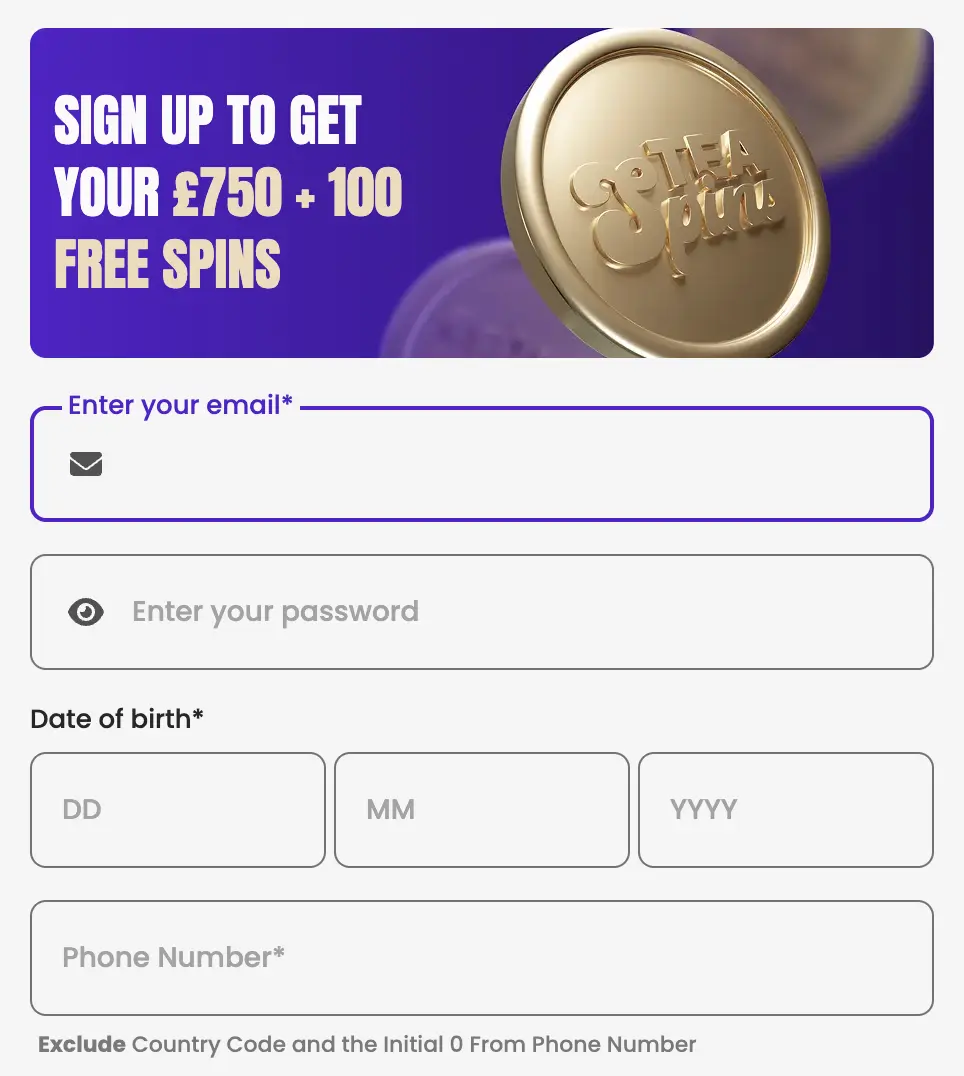
Requirements for Tea Spins Registration
Only users aged 18 or over can create a profile and continue to the TeaSpins casino login. Players must also provide valid proof of age on request to unlock all features and services, and they must access the casino from a supported region such as the UK. The casino does not encourage the use of VPNs.
A strict anti-fraud policy applies as well. Players who break the rules may have the account suspended or terminated. Completing the Tea Spins register process means accepting all terms and conditions.
Account Verification for UK Players
To use every service, the player must confirm that the submitted information is genuine. This means uploading proof of identity, proof of address and proof of payment. After a Tea Spins sign in, the player opens the menu, selects “My Profile” and then “Verification” in the header menu, where the files can be uploaded.
| Verification Documents | Examples |
|---|---|
| Proof of identity | Driver’s licence or passport |
| Proof of address | Phone bill or utility bill (less than 3 months old) |
| Proof of payment | Screenshot of a bank statement or online banking confirmation of the deposit |
How to Do a Tea Spins Login
To enter the account, the player taps “Log In”, enters the email address and password used at registration and presses “Sign In”. UK players can finish this in under 30 seconds.
The password field is case-sensitive. A Tea Spins login attempt is rejected if the right password is typed in the wrong case.
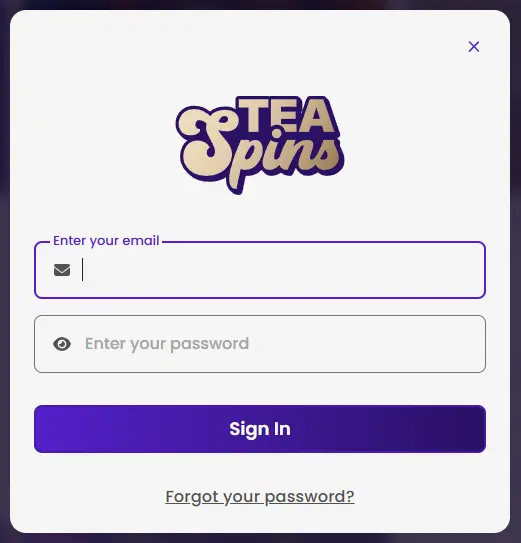
Mobile App Login
Players who use the mobile app (PWA) launch it, tap “Log In”, enter the email and password and select “Sign In”. Although the PWA feels different from the website’s TeaSpins casino login, it is the same platform. A player who already has an account does not need to repeat the Tea Spins sign up. The website registration works in the app, and a session can even be moved from the site to the PWA without losing progress.
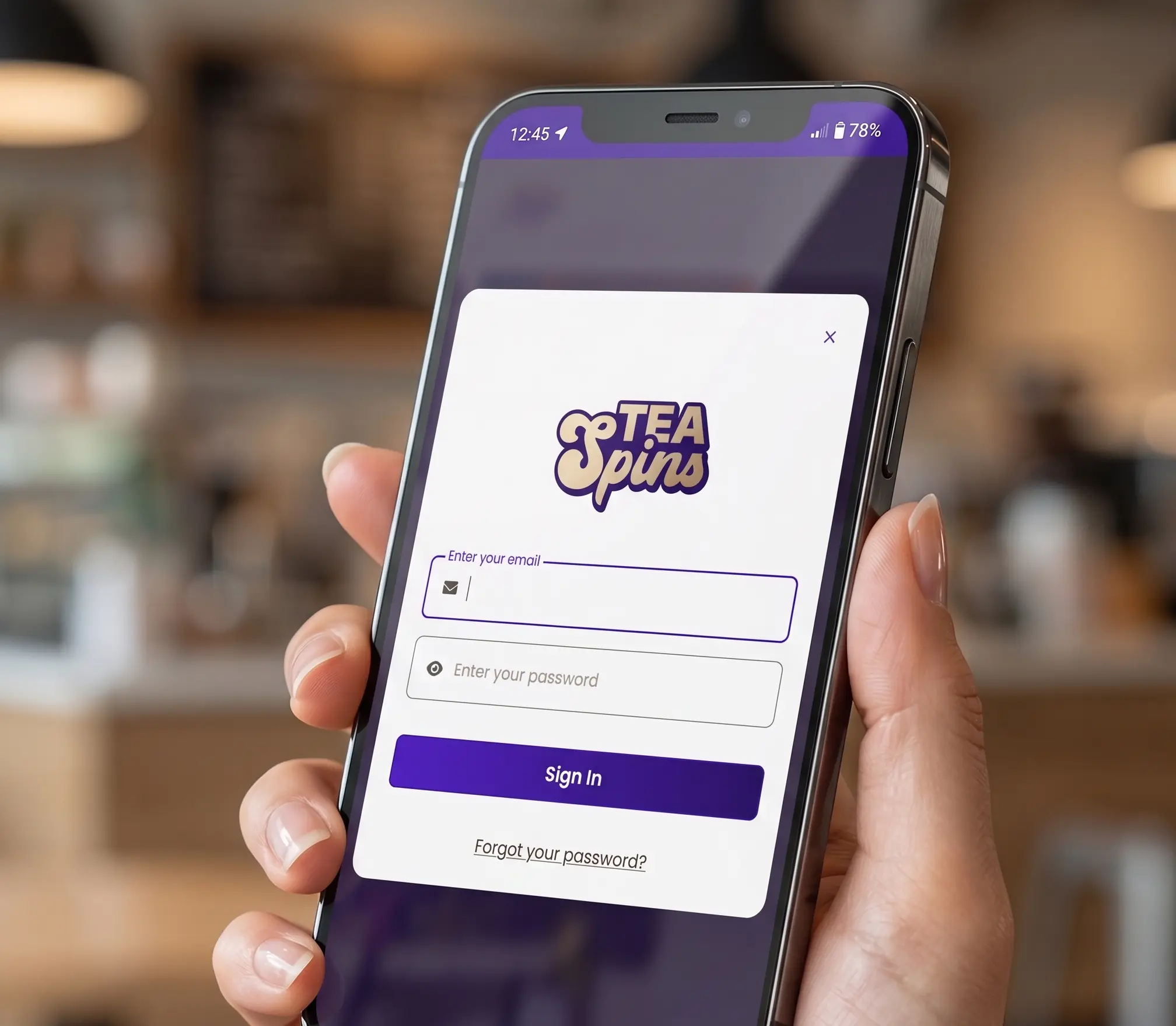
Personal Details Required
During account creation and verification, the casino asks for an email address, phone number and date of birth. The registration process also requires full name, address, postal code, city and gender. Some data, such as the date of birth, cannot be changed after the Tea Spins casino login without contacting customer support. Players should therefore submit only details they can prove at every stage.
The casino states that these details are protected under strict privacy rules. According to the review, personal data collected during sign-up and verification is not passed on to third parties, and SSL encryption adds a further layer of protection.
Common TeaSpins Login Issues for New Players
The two most frequent problems at the Tea Spins login stage are an invalid email or password and browser compatibility. For the first, the player should enter the email and password exactly as they were set during sign-up. For the second, switching browsers or clearing cookies and cache usually helps.
The internet connection also matters. The platform needs a stable connection, and a weak one can cause a login failure during Tea Spins registration or later sessions. Switching to a stronger network or waiting for the connection to improve is the usual fix. If none of this works, customer support can be reached by email or live chat.
Password Recovery
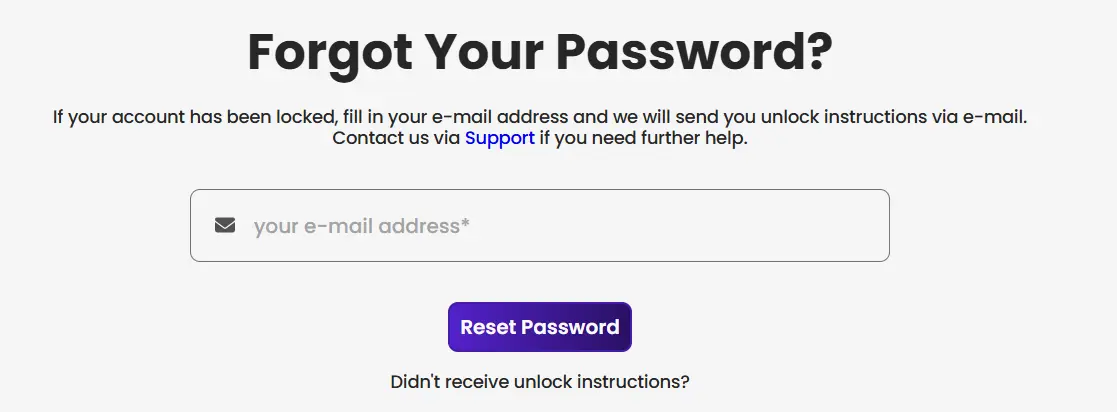
A player who forgets the password selects “Forgot Password” on the login page. A recovery email is sent to the registered address, and a new password can be set from there. After several failed attempts, the account may be locked for 15 to 30 minutes as a security measure. If the problem continues after that, support can help through live chat or email.
How to Delete a Tea Spins Casino Account
A profile can be deleted through live chat or by email.
- In live chat, the player clicks the chat button at the bottom of the screen and types “Delete account”.
- An agent contacts the player within a few minutes to confirm the action.
- After the request is sent again, the profile is deleted immediately.
Alternatively, the player can send an email with “Delete account” as the subject. A message asking for confirmation follows, and once the player approves, the data is removed right away.
Security Best Practices
Players should turn on two-factor authentication where it is available and change the password regularly. Login notifications are worth watching, since they reveal activity the player did not authorise. Together with the casino’s built-in protections, these habits help keep the Tea Spins casino login secure. The review notes that all Tea Spins players benefit from these safeguards behind the scenes.
FAQ
How long does account verification take at Tea Spins?
Verification normally takes 24 to 48 hours for standard documents. If additional checks are needed, it can take up to 72 hours.
Is it possible to change a username after Tea Spins registration?
No. The username is the unique identifier of the profile, so it cannot be changed. The password and other contact details can be updated at any time.
What should a player do after forgetting the password?
The player selects "Forgot Password" on the login page and follows the instructions in the recovery email to set a new password.
Why does a Tea Spins account get locked?
An account is locked temporarily after several failed login attempts. The player can wait 15 to 30 minutes or contact support to regain access straight away.
How can players log in to Tea Spins securely on different devices?
The player enters the email and password, turns on two-factor authentication where it is available and watches the login notifications for any activity that was not authorised.
Can a player stay logged in on more than one device at once?
Yes. The same credentials work on desktop and mobile browsers, so a player can move between devices in the middle of a session without losing progress.
Does changing the password mean the account must be verified again?
No. A new password does not affect the verification status. Identity, address and payment documents stay valid as long as the details on file remain the same.